
I know you people out there in counter some ads that give iPhone or something in a wheel of fortune or something like cure cancer in just 7 days those things are called ad-wares one of the malwares , malwares from the 2 words combined Mal stands for malicious and ware stands for soft ware as the names suggest those are dangerous to computers
TYPES OF MALWARES

Virus – is a malicious program that self-replicates by copying itself to another program. In other words, the computer virus spreads by itself into other executable code or documents. The purpose of creating a computer virus is to infect vulnerable systems, gain admin control and steal user sensitive data.
Can be prevented using
– anti – virus tools
– Keep Your Anti-Virus Software Up to Date.
-Run Regularly Scheduled Scans with Your Anti-Virus Software.
– Keep Your Operating System Current.
– Secure Your Network.

Spyware – software that is installed on a computing device without the end user’s knowledge. Any software can be classified as spyware if it is downloaded without the user’s authorization. Spyware is controversial because even when it is installed for relatively innocuous reasons, it can violate the end user’s privacy and has the potential to be abused.
Can be prevented using anti – spyware tools

Adware – is unwanted software designed to throw advertisements up on your screen, most often within a web browser. Some security professionals view it as the forerunner of the modern-day PUP (potentially unwanted program). Typically, it uses an underhanded method to either disguise itself as legitimate, or piggyback on another program to trick you into installing it on your PC, tablet, or mobile device.
Can be prevented using
-Ad blocks
-Use an adware removal software

Trojans – versatile and very popular, so it’s difficult to characterize every kind (virus, worm , spyware combined) . That said, most Trojans are designed to take control of a user’s computer, steal data, spy on users, or insert more malware on to a victim’s computer. Here are some common threats
How to Prevent
-Do not execute any program in your computer unless you believe it is from a trusted source.
-Never open emails from unknown senders especially having attachments with the extensions .exe, .vbs.
-Regularly update the anti-virus, anti-spyware on your computer on regular basis.Regularly install the latest patches available of your Operating System.
-Scan CDs, DVDs, pen drives or any external storage device for virus using anti virus software before using it.
Do not accept programs sent out from Instant Messaging applications.
-When you download any program from Internet websites always scan them first before you use.

Computer worm– standalone malware computer program that replicates itself in order to spread to other computers. Often, it uses a computer network to spread itself, relying on security failures on the target computer to access it.
Can be prevented through
-all network firewalls, whether in a computer or on a network, should be turned on to limit unauthorized network activity, and the computer’s operating system should be set to automatically install system updates.
-robust anti-virus software should be installed and set to automatically update and scan. Free anti-virus software will do the job, but paid products add important features such as download and attachment scans and malicious website screening.
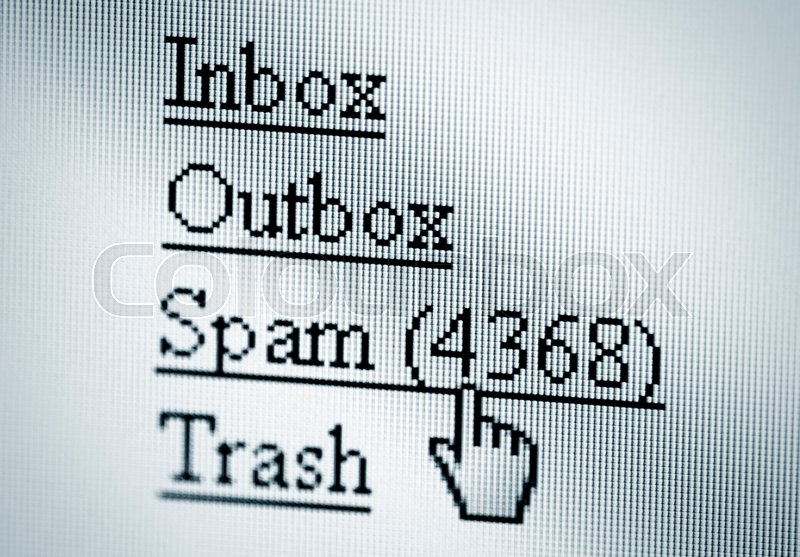
Computer Spam– attack is a piece of malicious software which takes over a person’s computer in order to spread the bug onto other people’s devices and profiles. It can also infect a computer and turn it into a botnet, which means the cyber criminal can control the computer and use it to send malware to others .
how to prevent this:
Have false or misleading header information
Have deceptive subject lines
Are not identified as an add
Do Not tell recipients where they are located
If there are no opt out links to stop future emails
Do not promptly process opt-out requests
If the emails are from Unmonitored marketing companies
Install SpamCop
Why WE need to do this ? we need to prevent malwares in order to prevent your privacy , to protect your computer , to protect your identity away from hackers,scammers,identity thieves and phishers . be careful when your surfing-secure your privacy as possible be safe and happy browsing
 blogs
blogs 